Thank you! We will get back to you soon
Oops! Something went wrong while submitting the form.


Most forwarders already know which tasks they’d like AI to take on: rekeying bills of lading, sorting a shared inbox, matching vendor invoices to jobs. The harder question is what happens between a document arriving and a record being created, and where your team stays in charge.
This guide walks through six AI use cases for freight forwarders as they run inside a working freight system. For each one, you’ll see what the AI does, what stays with your team, and when to start. For the wider picture, including the best AI tools, the EU AI Act and a 30-day rollout plan, read our guide to AI in freight forwarding
Freight forwarding runs on unstructured information. Rate sheets, arrival notices, commercial invoices and customer emails arrive every day in different layouts, from different senders. Earlier rule-based freight forwarding automation needed a template for each layout and stopped working when a supplier changed its format.
Today’s document and email AI reads the content itself, so a new layout is no longer a new project. Industry research reflects the shift: Transport Intelligence’s Global Freight Forwarding Market 2026 report found that most of the AI use cases it mapped in forwarding are live deployments rather than trials.
What separates a useful deployment from a risky one is control. The use cases below share three principles:
1. Document Extraction: From Drop to Record
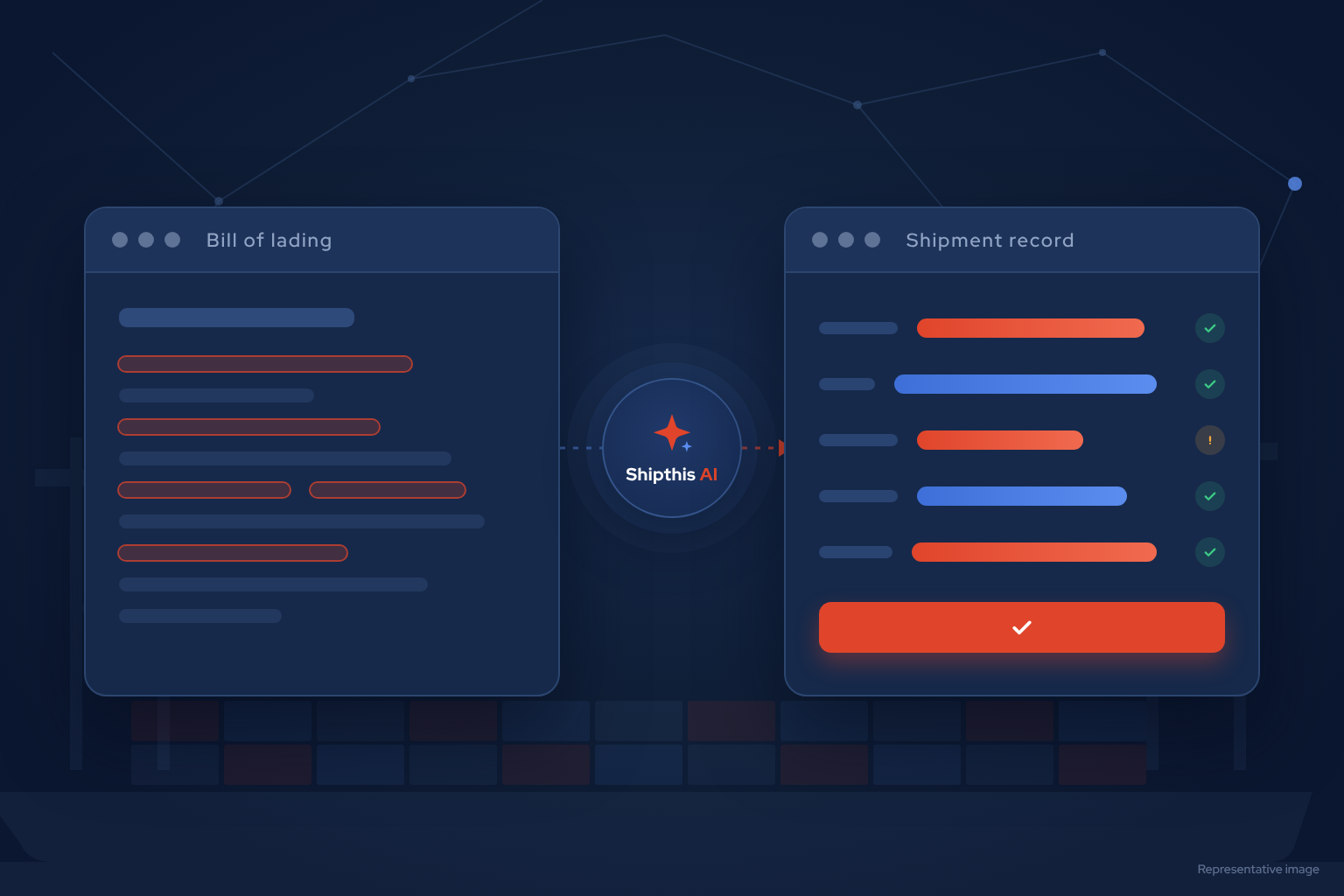
Document extraction is the most common starting point, because it repeats on every shipment and needs no historical data. In Shipthis, Magic Drop handles it: you drop a file or forward an email, and the AI reads it against the fields your organisation uses.
How it runs:
Spreadsheets get the same treatment. When a carrier sends a workbook with several tabs, Magic Drop picks out the rate tab, rebuilds merged headers and maps the columns to your fields.
See how document AI for freight forwarders works in Shipthis.

2. Email Triage: A Shared Inbox That Sorts Itself
Operational email is where most forwarding work begins. The Shipthis AI Inbox connects to Gmail and Microsoft 365, including Outlook, and classifies each message into one of 13 freight-specific email types, such as quote request, shipment document, costing, invoice or rate sheet.
How it runs:
Privacy is built in. The bodies of personal emails are never stored, and email content is kept only once a thread is linked to a business document.
Quote requests captured this way flow straight into RFQ management.
3. Vendor Bill Matching With Finance Controls
Matching vendor invoices to expected costs is detailed, repetitive work, and the stakes are financial. This is where clear controls matter most.
How it runs:
If you allow automatic approval for finance, an agent-approved costing can be undone within 24 hours, as long as no payment has been recorded against it.
Explore freight accounting software with live job P&L.
4. Quotes and Vendor Offers
Speed of response wins quotes. AI helps on both sides of the pricing workflow:
Your team keeps every pricing decision and every margin.
5. Customs Paperwork, With a Person Signing Off
Customs is a good fit for AI assistance and a poor fit for AI decisions. In Shipthis, the AI prepares the work and your team decides.
Classification must always be checked against the official tariff, using sources such as the World Customs Organization’s Harmonized System and, for India, the ICEGATE portal. A licensed customs broker remains responsible for the filing. See how Shipthis handles trade compliance.
6. Plain-English Reporting
Caeli, the Shipthis AI assistant, answers questions such as “invoices overdue by customer this quarter” or “shipments arriving at Jebel Ali next week” from your live data.
It understands freight vocabulary. “Arriving” means the ETA at the discharge port, “sailing” means the ETD at the loading port, and “overdue” means past the due date with an amount still owed. When an answer relies on an assumption, such as a default date range or a term it had to interpret, Caeli says so beside the answer. Every report runs under the viewer’s own permissions, so people only see the data they’re allowed to see.
The agents behind these use cases run under an autonomy setting you control for each agent role and each region:
A sensible approach is to start every role on Observe or Assist, review the suggestions for a few weeks, then switch on Auto only for narrow, high-volume steps where accuracy has been proven. Auto is currently offered for the finance role only.
A practical order for most small and mid-sized forwarders:
Measure progress with numbers your team already recognises: manual touches per shipment, time from document received to record created, and shipments handled per operator each month.
1. Can AI agents in freight forwarding act without approval?
Only if you allow it. In Shipthis, agents investigate with read-only tools and propose actions, and a person approves them. You can enable automatic approval for finance, where every booking must pass eight finance gates and can be undone within 24 hours if no payment has been recorded.
2. Does AI for freight forwarders work with Gmail and Outlook?
Yes. The Shipthis AI Inbox connects to Gmail and Microsoft 365, including Outlook. It captures incoming and sent mail, merges duplicate copies across colleagues’ mailboxes, and links threads to shipments, quotations, invoices, customers and vendors.
3. What happens when a vendor invoice doesn’t match?
It’s parked for review with a written reason, such as an unrecognised vendor, a missing job reference or a totals mismatch. Your team corrects the mapping on screen, and that correction teaches the system how to read the next invoice from the same vendor.
4. Can AI file customs declarations?
AI can prepare customs paperwork, for example by reading declarations into structured clearance jobs. Classification and filing decisions stay with your customs team and licensed broker, who should verify every line against the official tariff.
5. Which AI use case should a freight forwarder start with?
Document extraction and email triage. Both repeat on every shipment, need no historical data, and give your team a clear view of accuracy before you consider any automation.
The strongest AI use cases in freight forwarding take repetitive reading and matching off your team’s desk, and leave judgement, relationships and pricing with your people.
Start with documents and email, keep a person in the loop, and automate only what has proven itself.
Try it with a real document from your inbox: book a demo and we’ll run it through Magic Drop with you.
