Banking Integration
Bring your bank statements into Shipthis and match them to your ledger. Import the statement file your bank gives you, or connect a supported bank in the United States or Canada and pull its settled transactions on request.
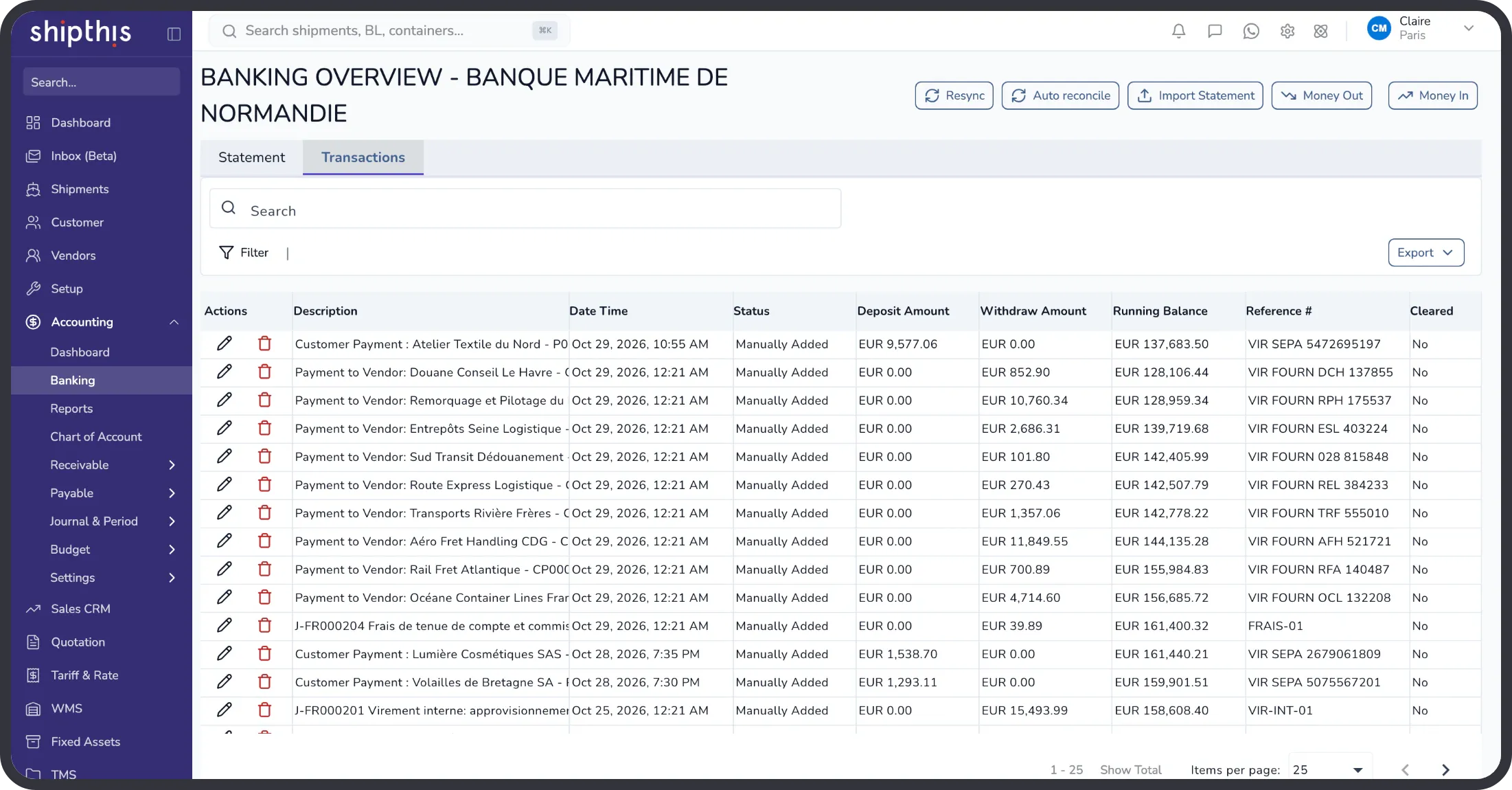




Bank lines reach Shipthis in one of two ways: a statement file you import, or a connection to a supported bank in the United States or Canada. Either way they arrive as statement entries, ready to be matched to the payments, expenses and journals already in your books.
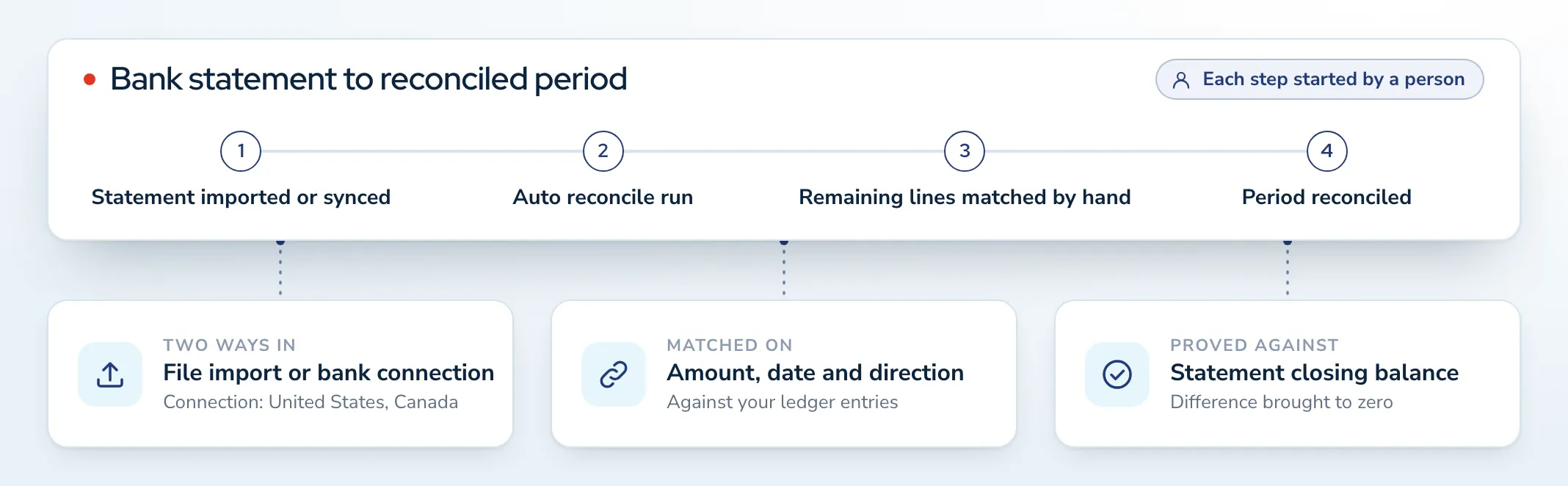
Your team runs auto reconcile to match the lines it can place, matches the rest by hand, and then reconciles the period against the statement's closing balance.


Hassle-Free Statement Import
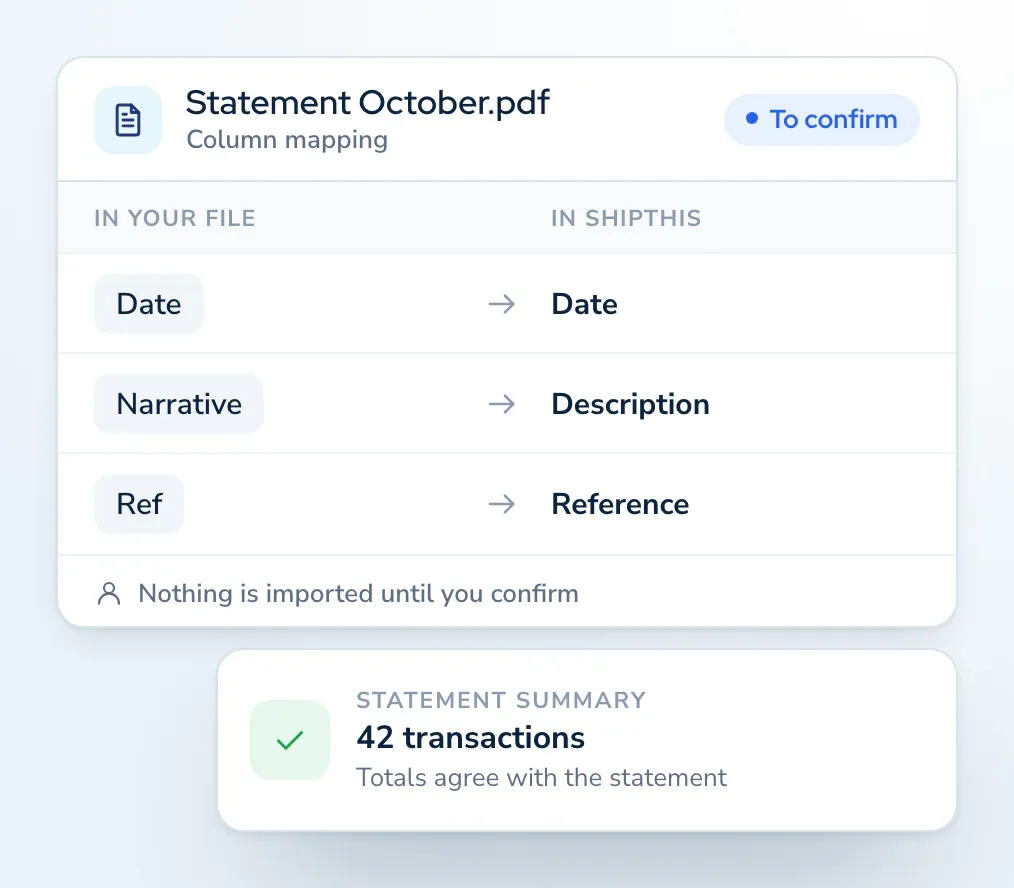
Upload a bank statement as a CSV, Excel or PDF file. Shipthis reads it and suggests which column is which, and nothing is imported until you have confirmed.
- Check the extracted totals against the totals the statement itself declares before you import.
- Rows that fail are listed with the reason, so you can fix them at source.
- An import can be undone straight afterwards, as long as none of its lines has been matched.
Connect a Supported Bank in the United States or Canada
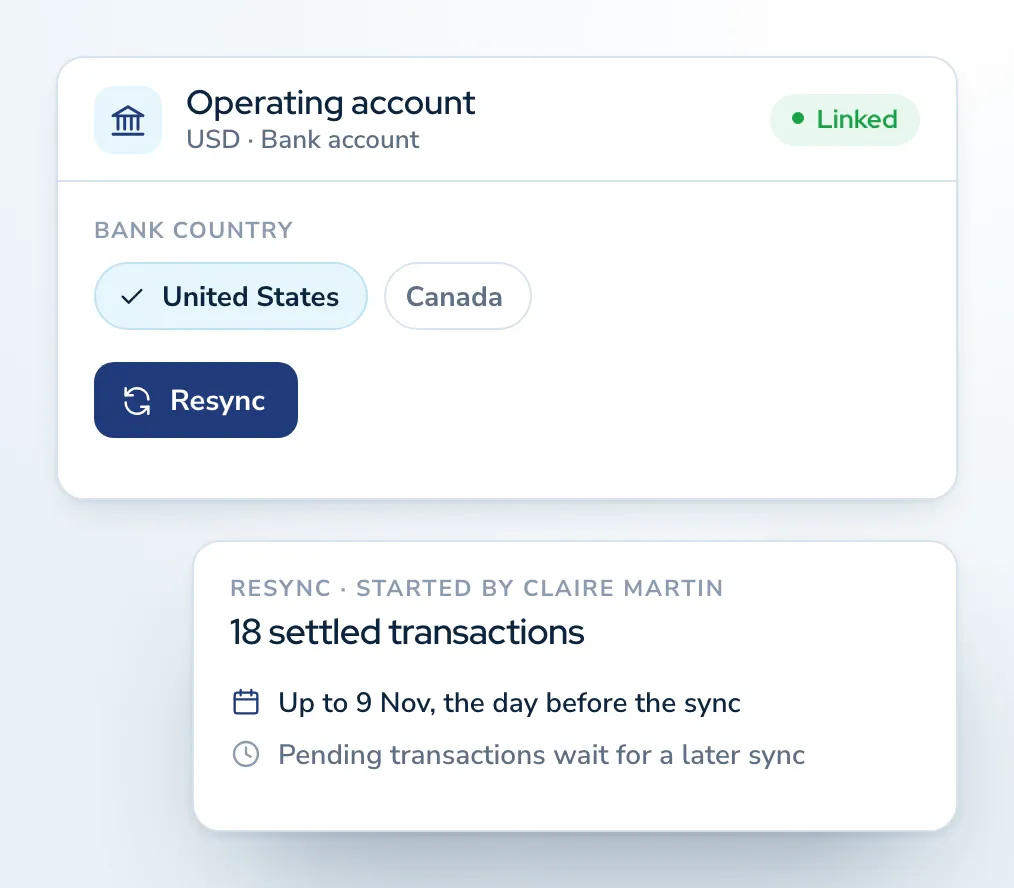
Where your bank is supported, link the account once and pull its transactions into Shipthis on request, instead of importing a file each time.
- A person runs Resync: settled transactions up to the previous day come in, and pending ones wait for a later sync.
- Transactions an earlier sync already brought in are skipped.
- For every other bank, statement import gives you the same statement entries to match.
Match Statement Lines to Your Ledger
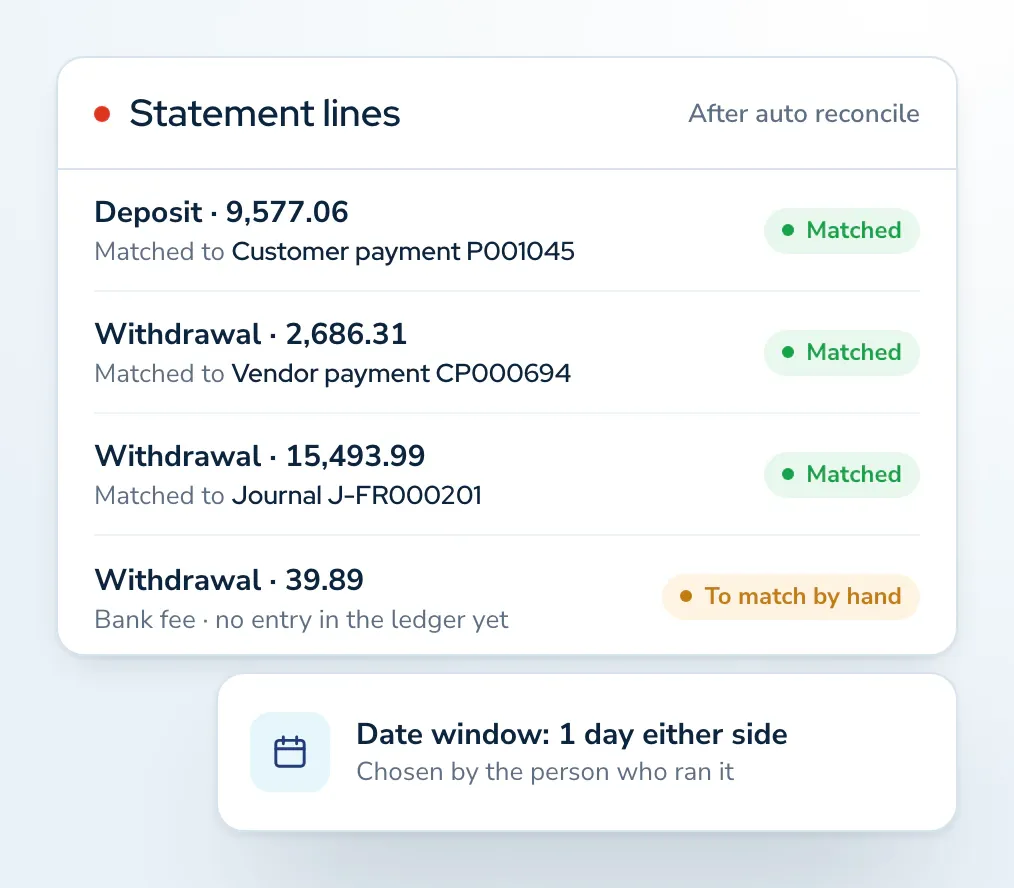
Run auto reconcile, and Shipthis matches statement lines to the ledger entries behind them by amount, date and direction. What it cannot place stays with your team.
- You choose how far either side of the statement date a match may fall, from the exact day to a few days.
- Lines left over can be matched by hand, one at a time or several together.
- Where the ledger has no entry yet, such as a bank fee, the missing document can be created and matched in one step.
Secure and Safe Banking
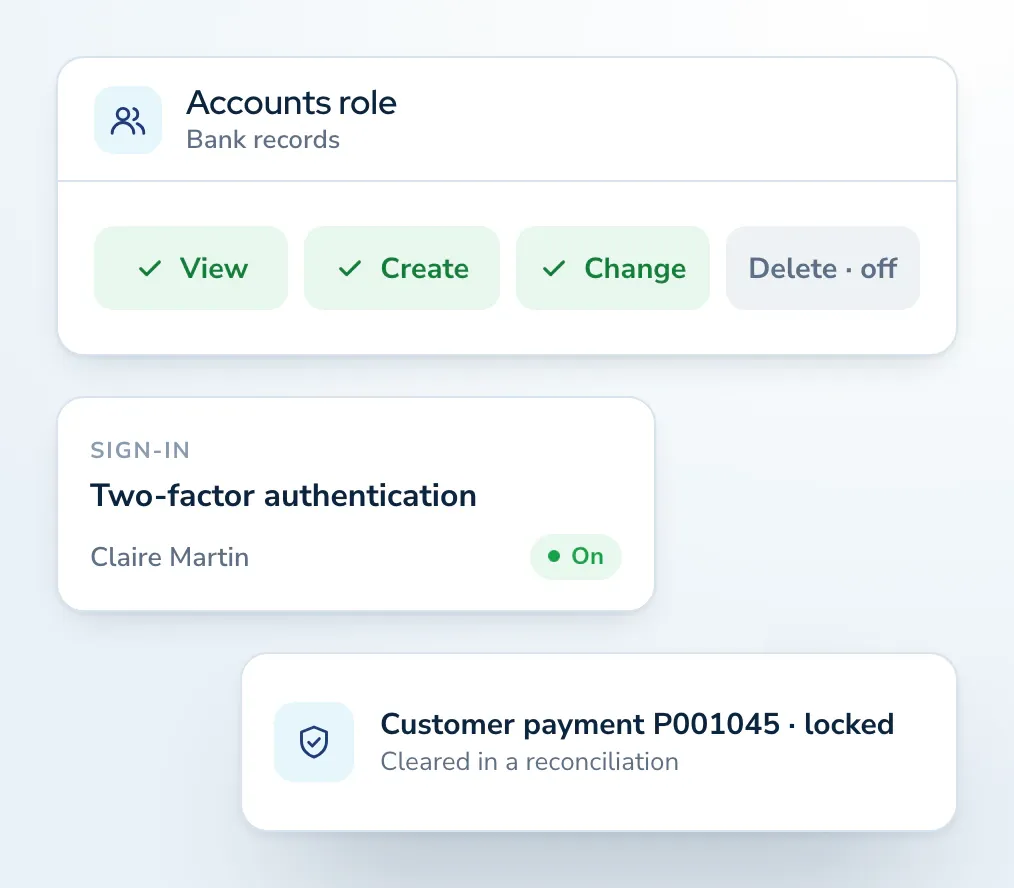
Access to banking follows the same controls as the rest of Shipthis: each person signs in to their own account, and roles decide who can reach bank accounts and reconciliations.
- Each user can switch on two-factor authentication with an authenticator app, and keep backup codes.
- Single sign-on can be offered where your organisation switches it on.
- Once an entry is cleared in a reconciliation, the document behind it cannot be deleted, and its date, bank account and amounts cannot be changed, until it is released.






Explore More Accounting Capabilities
Banking sits inside Shipthis accounting, beside the invoices, bills and payments it reconciles.
Statement import, bank sync, matching and reconciliation, step by step.
GAAP-compliant double-entry accounting for forwarders, with multi-currency, accruals and locked periods.
Invoice, cost and settle in more than one currency, with gains or losses recorded at settlement.
Revenue, cost and margin on every job.
One charge master for every charge line, with the sell and buy sides together.
Choose the date that revenue and cost are recognised on.
When two offices share a move, one can open a linked job for the other.
Roles decide who can view, create, change or delete each kind of record.
Banking Integration Questions, Answered
Statement import works with the CSV, Excel or PDF statement your bank gives you. A direct connection, which pulls settled transactions on request, is available for supported banks in the United States and Canada.
Banking follows the same controls as the rest of Shipthis. Each person signs in to their own account, roles decide who can view, create, change or delete banking records, and each user can switch on two-factor authentication. Once an entry is cleared in a reconciliation, the document behind it is locked until it is released.
With Two-Factor Authentication (2FA) and other added security controls, Shipthis ensures you and your team can access your finance network through a single secure and controlled environment.
Auto reconcile matches statement lines to the ledger entries behind them by amount, date and direction, so your team matches by hand only what it cannot place, and can create a missing entry, such as a bank fee, in the same step.